How to Enable 2FA?
-
In your account settings, go to the Security section and enable the two-factor authentication feature.
-
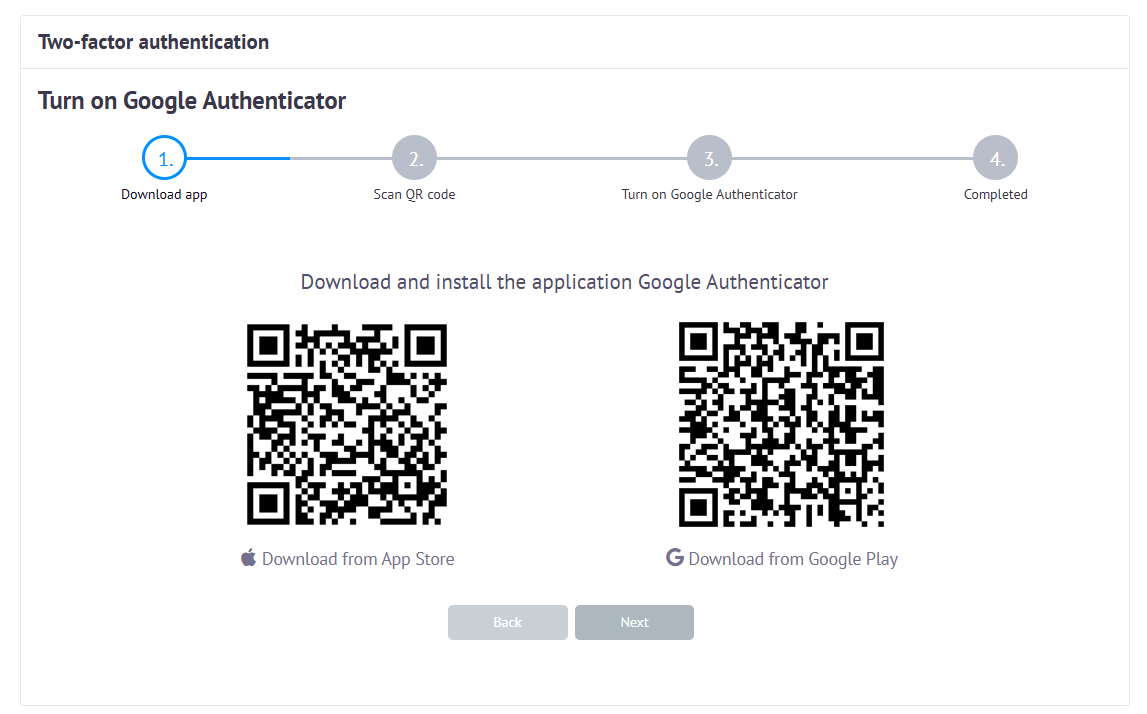
Install the Google Authenticator app on your phone (iOS or Android) or on your computer.
-
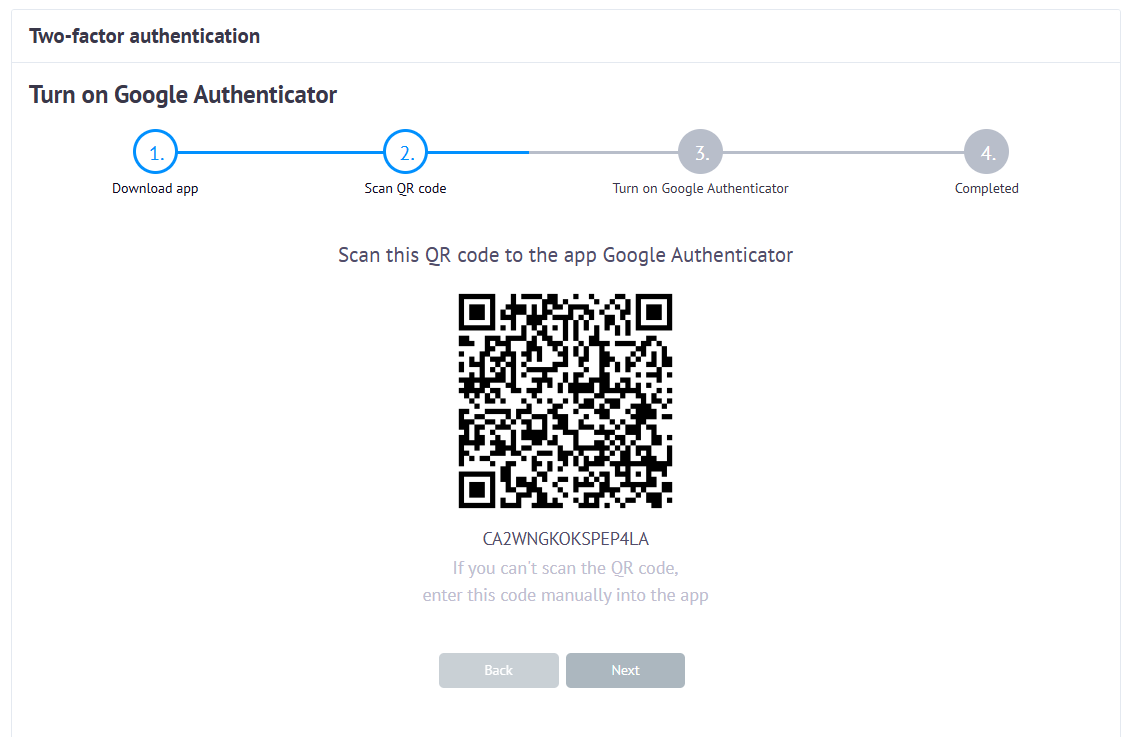
Link the app to your account by scanning the QR code or entering the code manually.
-
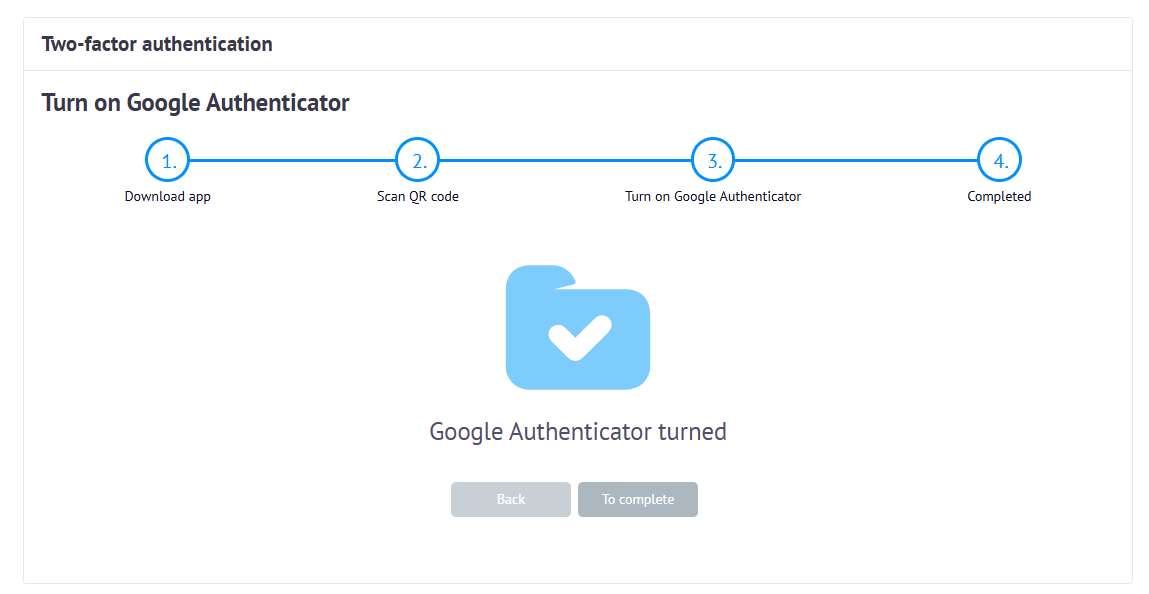
Confirm that Google Authenticator has been successfully linked.
-
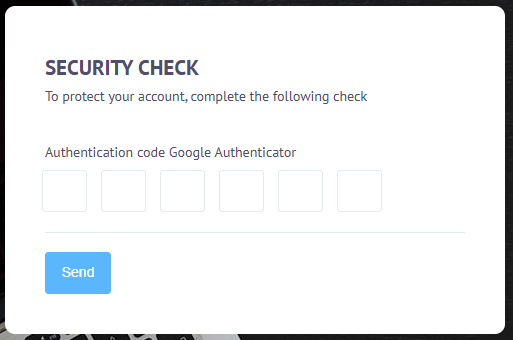
The next time you log in to your account, after entering your username and password, you will be prompted to enter a six-digit authentication code.